| |
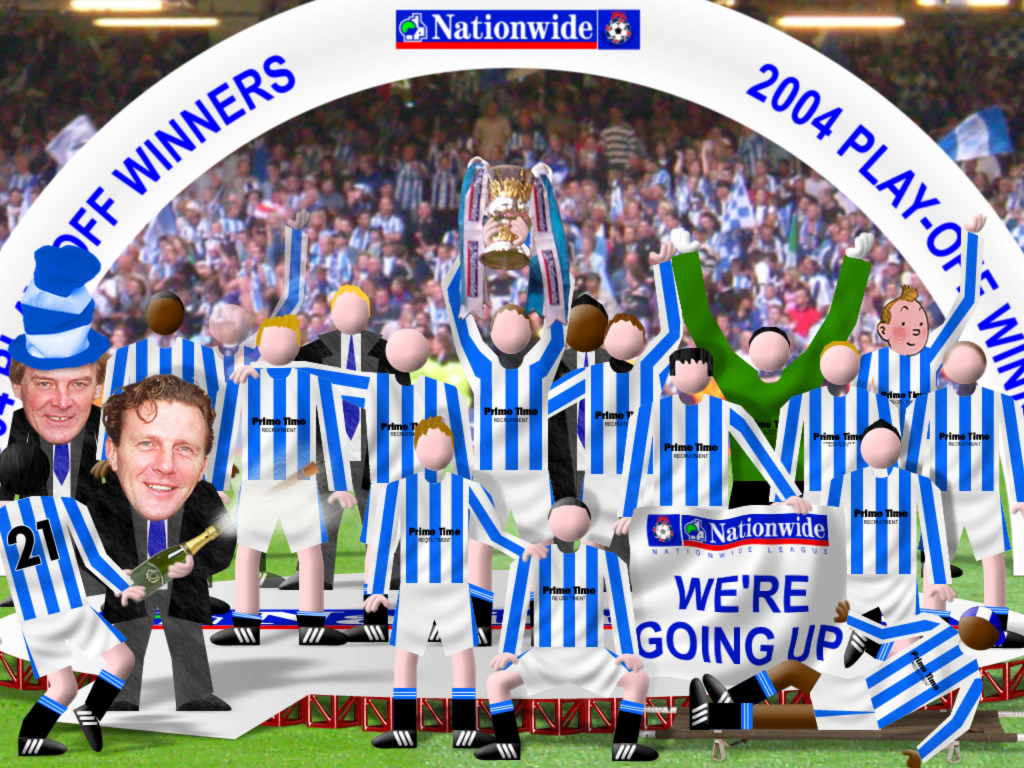
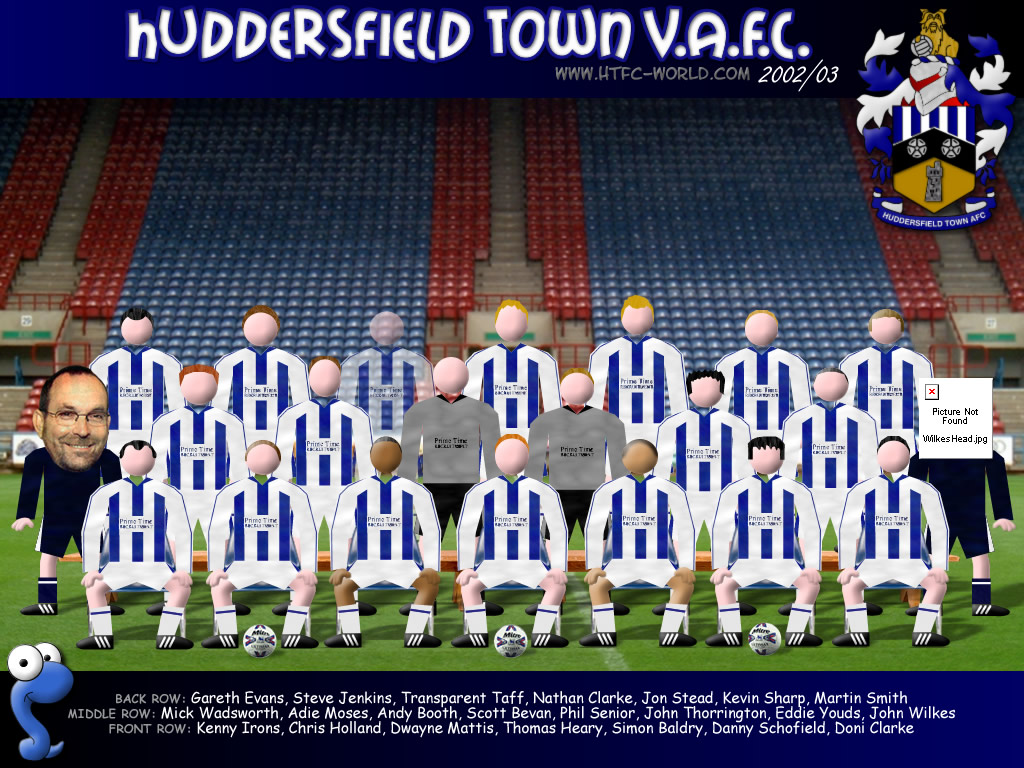
High-resolution images suitable for lock screens on many tablets and phones such as iPhone 6 and iPad |
||
 |
 |
 |
| Click the preview to
display the full picture then right click on the image and select 'Set
as wallpaper' |
||
 |
 |
 |
 |
||
 |
||
 |
 |
 |
 |
 |
|
 |
||
 |
 |
 |
 |
 |
 |
 |
 |
 |
Images below are all 100x100 PNG files with transparency effects (so they should match any forum background). Just right click, select properties and copy the URL of the image then paste it into your avatar URL. |
 |
 |
 |
 |
 |
 |
 |
 |
 |
 |
 |
 |
| Screensavers
are downloaded as a self installing 'exe' file. Click on the link and
when prompted, choose 'Save this program to disk'. Once downloaded click
on the file to install. |
||
 |
 |
 |
 |
||